If you have ever wrapped up an eight-hour shift at your kitchen table feeling like you went ten rounds in a boxing ring, you are not alone. That dull ache in your shoulder blades and the sudden 3 p.m. brain fog are not just badges of hard work. They are signs that your physical environment is quietly working against you.
When you work remotely, your workspace directly dictates your daily stamina. Research shows that roughly 80.8% of desk workers suffer from work-related musculoskeletal discomfort, mostly in the neck, lower back, and shoulders.¹ You cannot expect deep, focused thinking when your body is constantly negotiating with physical strain.
Creating a dedicated workspace gives your brain the cues it needs to stay locked in. When you treat your desk as a performance tool rather than just a place to park a laptop, your concentration settles in faster and lasts longer.
The Foundation of an Ergonomic Desk and Chair
Your chair and desk setup is your operational foundation. If the geometry here is off by even an inch or two, you pay for it in fatigue by mid-afternoon. Good ergonomics is about keeping your body in neutral alignment so your muscles do not have to work overtime just to keep you upright.
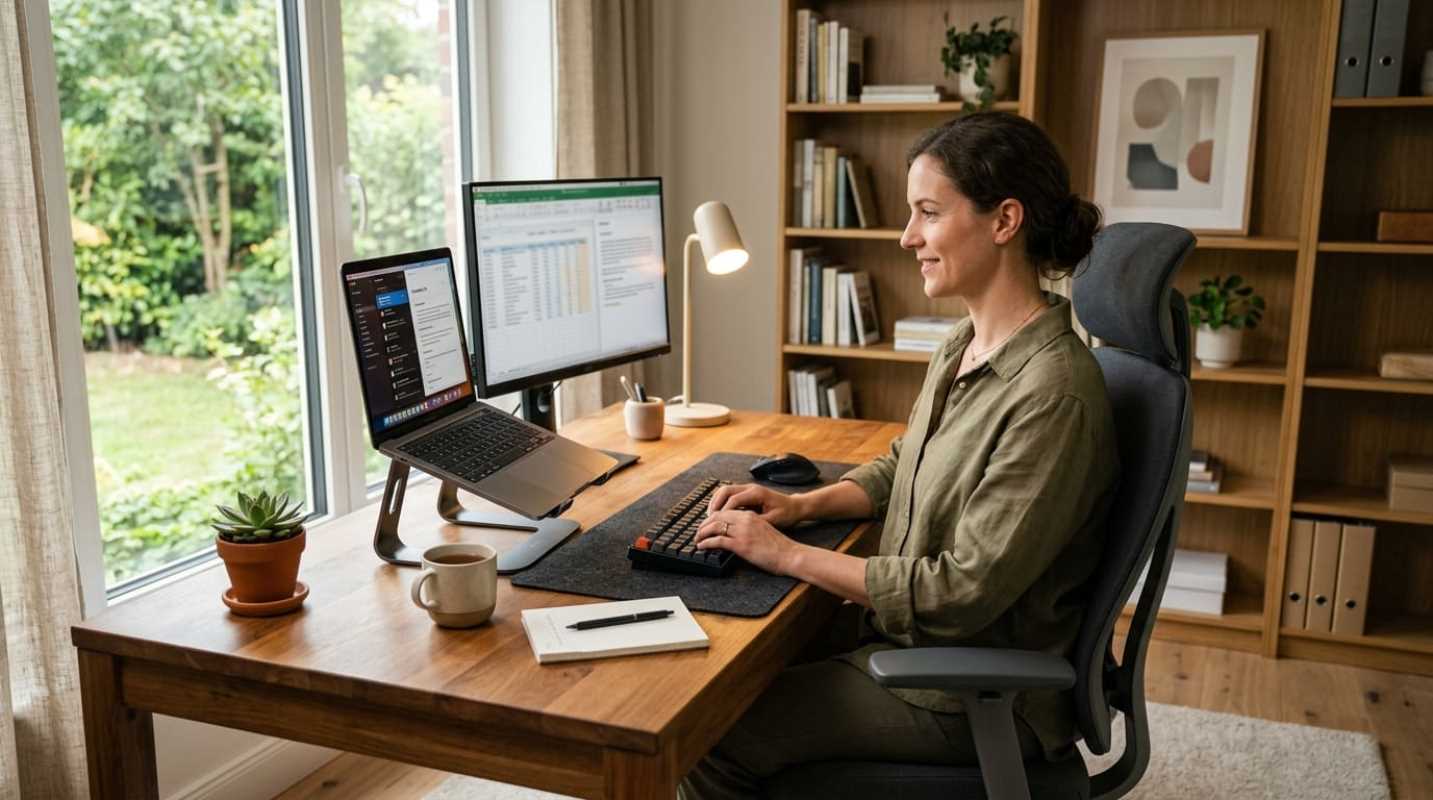
Start with your chair. You want your feet resting flat on the floor, with your knees bent at roughly a 90 to 100-degree angle. Keep a gap of two to three fingers between the front edge of the seat cushion and the back of your knees so you do not pinch off circulation. The lumbar curve of the chair should settle right into your lower spine. If your chair lacks built-in support, a rolled towel or lumbar cushion can fill the void.
Now look at your work surface and how you interact with your tools
• Monitor height: Your screen should sit about an arm's length away. Align the top edge of your monitor with your eye level, which naturally creates a comfortable 15 to 20-degree downward glance that spares your neck muscles.²
• Armrest height: Position your armrests so your shoulders rest easily without shrugging, leaving your elbows bent at a relaxed right angle.
• Surface alignment: Set your desk height to match your resting elbow position so your forearms sit parallel to the floor.
• Keyboard angle: Skip the kickstand feet beneath your keyboard. Tilting the keys upward bends your wrists backward, which inflames sensitive tendons. Keep it flat or slightly angled away from you.
• Laptop setup: Never work directly off a bare laptop for hours on end. Prop the machine on a riser or a stack of books to raise the screen, then plug in an external keyboard and mouse.
Sitting still all day strains your lower back, but standing all day is just as tough on your cardiovascular system. Dynamic movement keeps your blood moving. The Cornell 20-8-2 formula works wonders: sit in a supported position for 20 minutes, stand for 8 minutes, and spend 2 minutes walking or stretching.³
Mastering Lighting and Noise Control
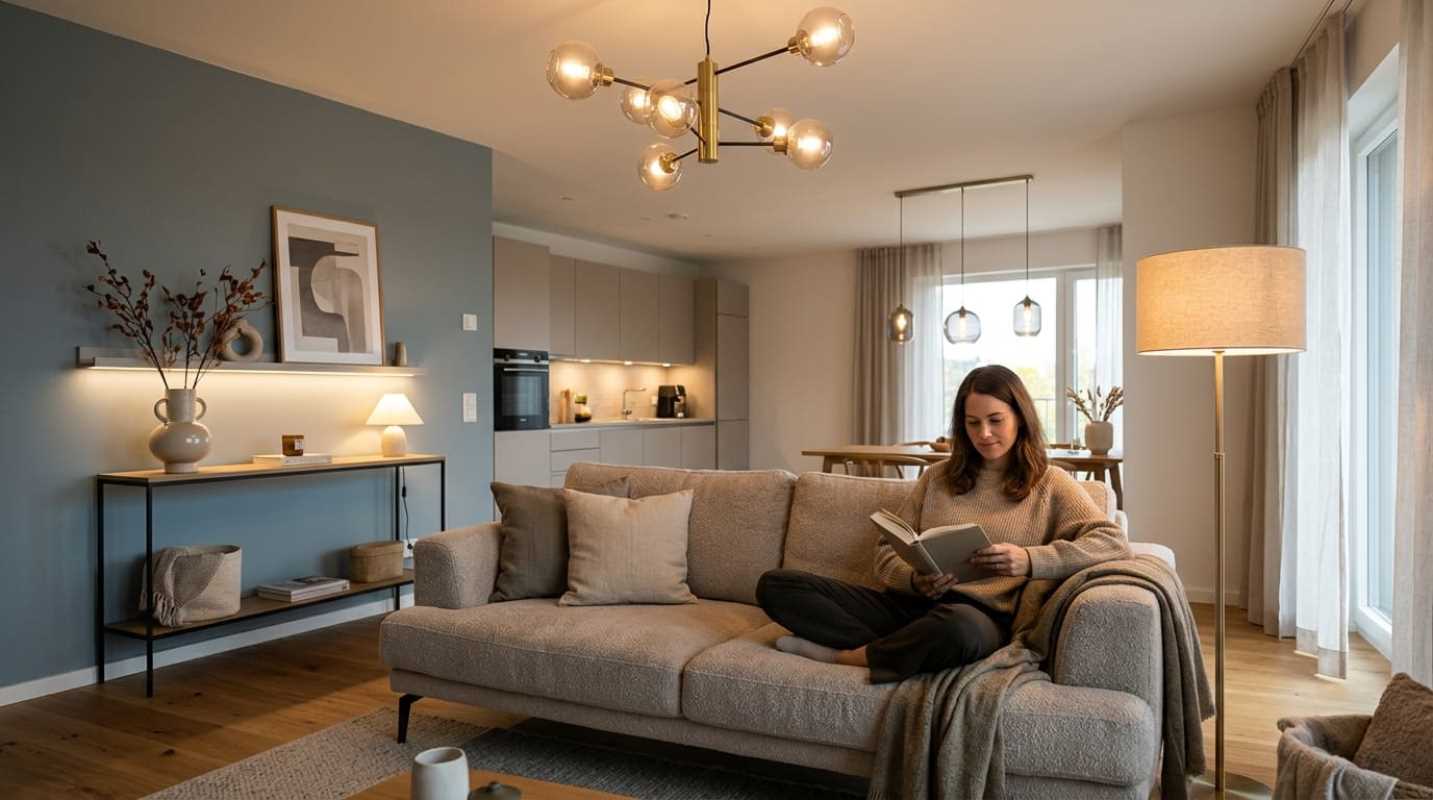
Lighting does far more than help you read your notes. It directly commands your internal clock. Standard indoor bulbs in living rooms often produce under 150 lux, which quietly signals your brain to get ready for bed. For active desk work, aim for a bright 300 to 500 lux across your working surface.
Position your desk perpendicular to nearby windows. If you face the window head-on, the intense contrast creates silhouette glare that tires your eyes. If your back faces the glass, reflections will wash out your monitor.
Match your light temperature to the rhythm of your day
• Morning and early afternoon: Use crisp, cooler task lights around 4000K to 5000K to keep your alertness sharp.
• Late afternoon and evening: Transition toward warmer tones around 2700K to avoid tricking your brain into delaying melatonin production.
• Screen strain prevention: Practice the 20-20-20 rule. Every 20 minutes, look away from your screen at an object 20 feet away for at least 20 seconds to relax your focusing muscles.
Noise is the other hidden drain on your energy. Irregular sounds like lawnmowers, barking dogs, or humming appliances trigger minor stress spikes in your nervous system. You can smooth out these sudden acoustic interruptions by running a gentle background layer of pink or brown noise, or using a dedicated white noise machine. A steady sound backdrop helps keep your attention from jumping every time a delivery truck rolls past your window.
Psychological Boundaries Between Work and Living Space
When you work from your home, the walls between your job and your personal life tend to dissolve quickly. Laptops in bed or on the sofa might feel convenient at first, but doing that ruins your spaces of rest. Your brain begins associating your relaxation zones with deadlines and unresolved emails.
Carve out a dedicated micro-zone just for work, even if it is simply an isolated corner of a guest bedroom or dining area. When you step into that footprint, you are in professional mode. When you leave it, you are off the clock.
Establish clear physical rituals to separate your day
• End the shift: Power down your monitor, tuck your chair neatly under the desk, and close any office doors.
• Cover your screen: If your desk sits in your main living room, use an attractive cloth cover over your monitors at the end of the day so you do not stare at blank screens while resting.
• Transition habits: Take a ten-minute walk around your block right after finishing your tasks. It acts as an artificial commute that mentally unhooks you from the daily grind.
Optimizing Focus Through a Minimalist Approach
Every extra item on your desk demands a tiny sliver of your cognitive energy. Research shows that clutter in your peripheral vision competes for your brain's processing capacity. A crowded surface quietly splits your attention, making deep work harder to sustain.
Keep your immediate desk surface stripped down to the tools you reach for every single hour. That usually means your keyboard, mouse, a notepad, and a glass of water. Stash extra pens, charging cords, and old paperwork in drawers or storage boxes out of sight.
You can also add a small touch of nature to help ground your attention. Bringing a couple of small potted plants into your field of view can lower baseline stress and give your mind brief moments of visual rest. Aim for plants that take up roughly ten percent of your visual area. A snake plant or pothos brings color and life into your office without requiring constant care.
Building a Workspace That Evolves With You
Setting up an effective home office is not a one-and-done project. Your routine shifts, your work responsibilities change, and your body gives you feedback on what feels right.
Pay close attention to how you feel at the end of each afternoon. If your neck feels tight, bump your monitor an inch higher. If your eyes feel dry, adjust your lamp angles or move your desk slightly further from direct sunlight. Treat your workspace as a changing system built to serve your health and your ambitions. When you support your body properly, your focus will take care of itself.
Sources:
1. Workplace Ergonomics Statistics
https://speakwiseapp.com/blog/workplace-ergonomics-statistics
2. Ergonomic Desk Setup Posture and Biomechanics
https://ergozenithguide.com/ergonomic-desk-setup-posture-biomechanics/
3. What is the 20-8-2 Rule
https://hbada.com/blogs/hbada-blogs/what-is-the-20-8-2-rule-everything-you-need-to-know-about-healthier-sitting-and-productive-work
*This article on Katiently is for informational and educational purposes only. Readers are encouraged to consult qualified professionals and verify details with official sources before making decisions. This content does not constitute professional advice.*